How it works
From working day to organised records.
ClaimMate keeps the process short: capture the paperwork, answer anything uncertain, stay on top of customer documents and prepare a tidy accountant handover.
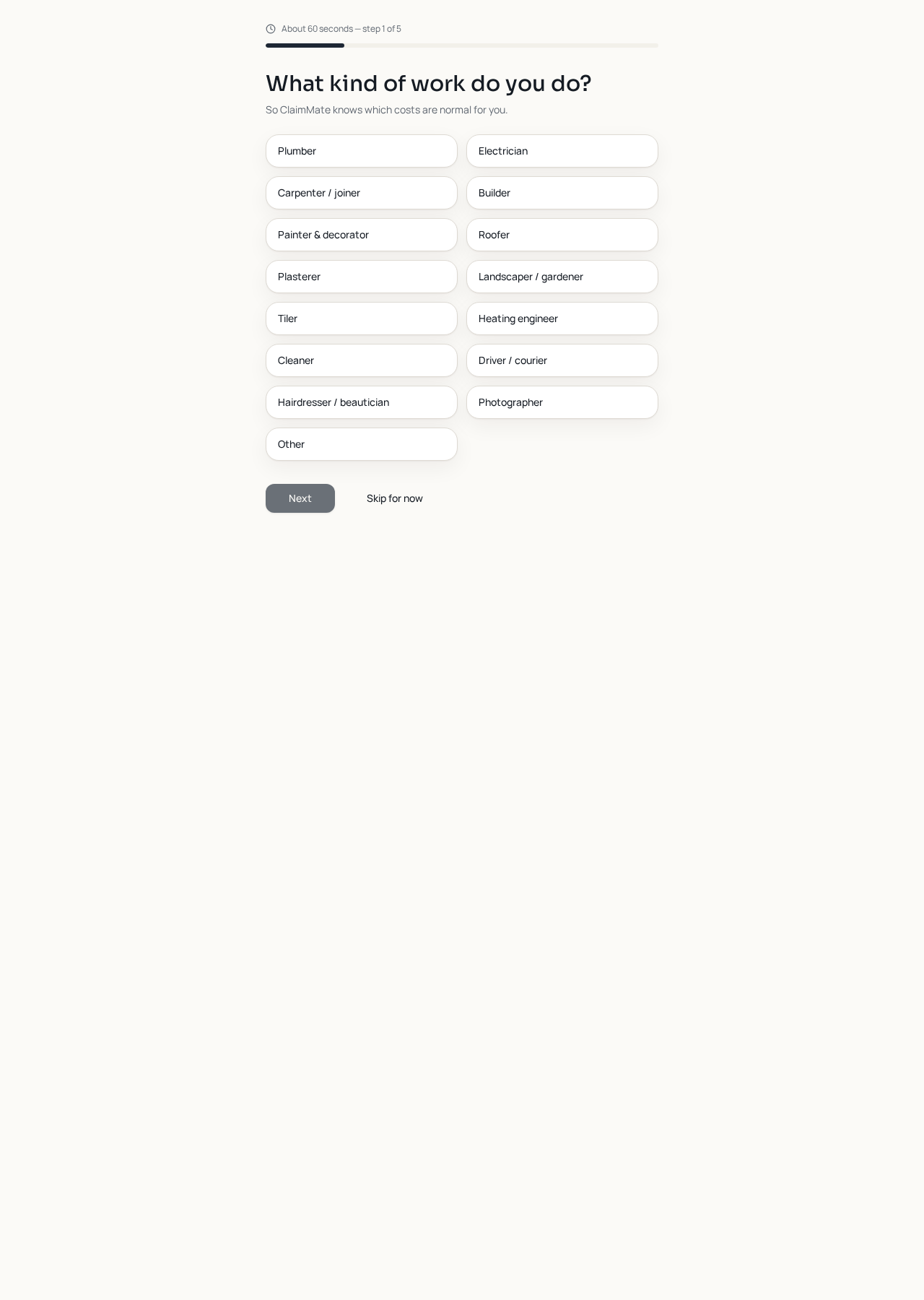
Tell ClaimMate about your work
A five-question setup covers your trade, travel, workplace, common purchases and whether you use subcontractors. It takes about a minute and helps make later suggestions more relevant.
Photograph the receipt
Use the large phone camera control or choose a saved photograph. ClaimMate trims the edges, checks the image and reads the merchant, date, total and line items.
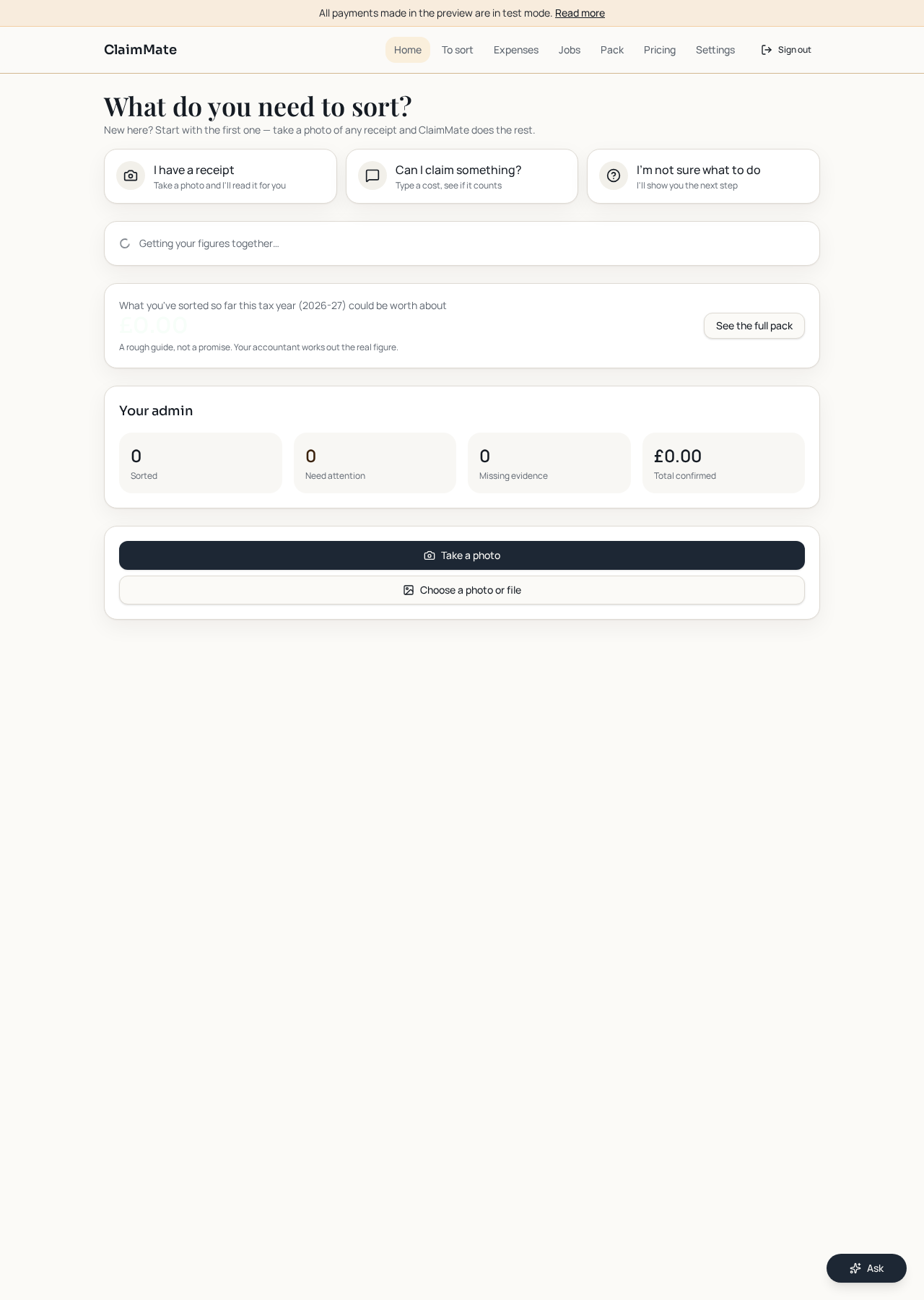
Answer only what is unclear
If a cost could be personal or business, it waits in Things to sort. You get one plain-English question instead of a guessed answer.
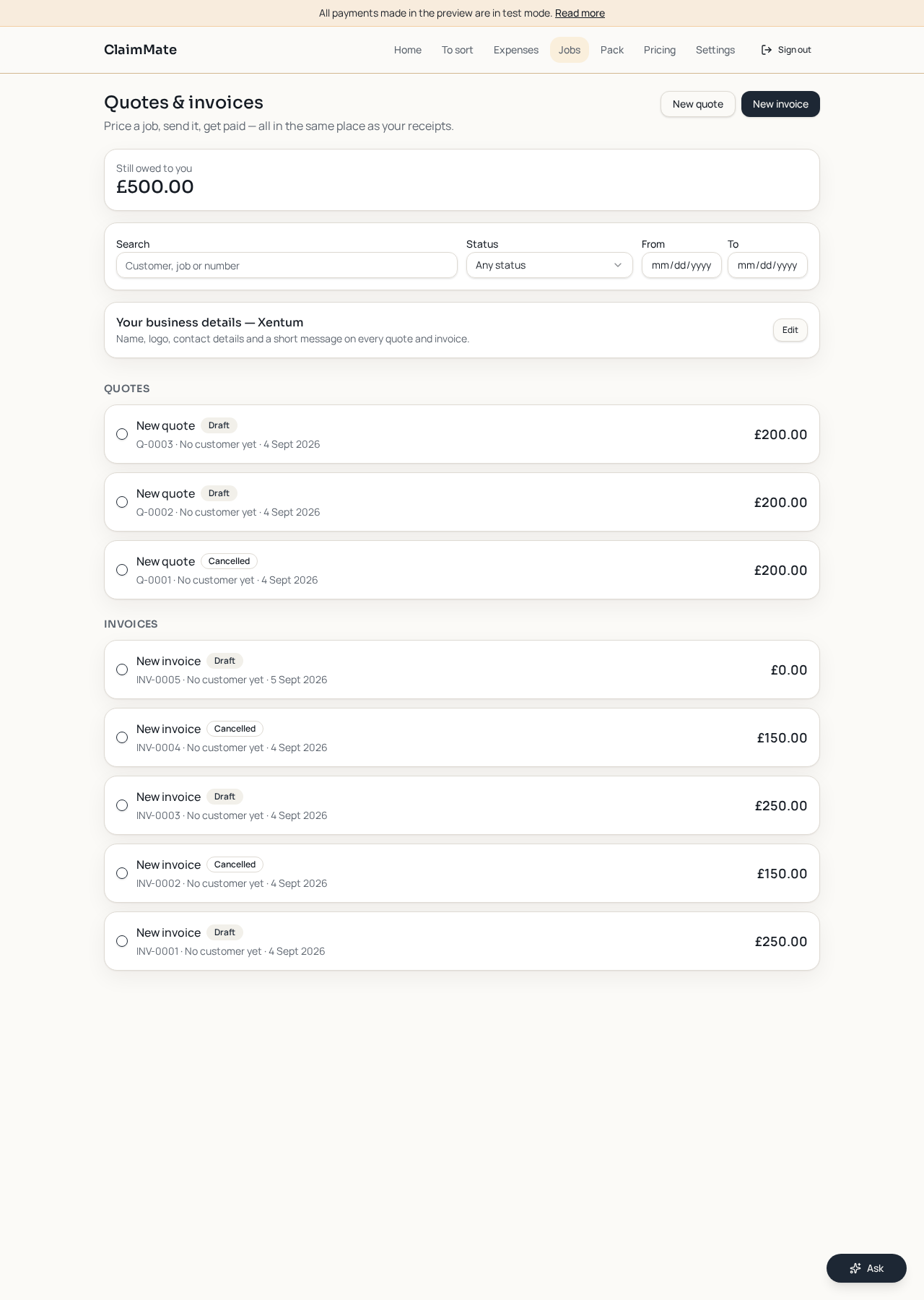
Create and send customer documents
Make quotes and invoices, add your own business details, send the PDF by email or WhatsApp and keep each status visible.
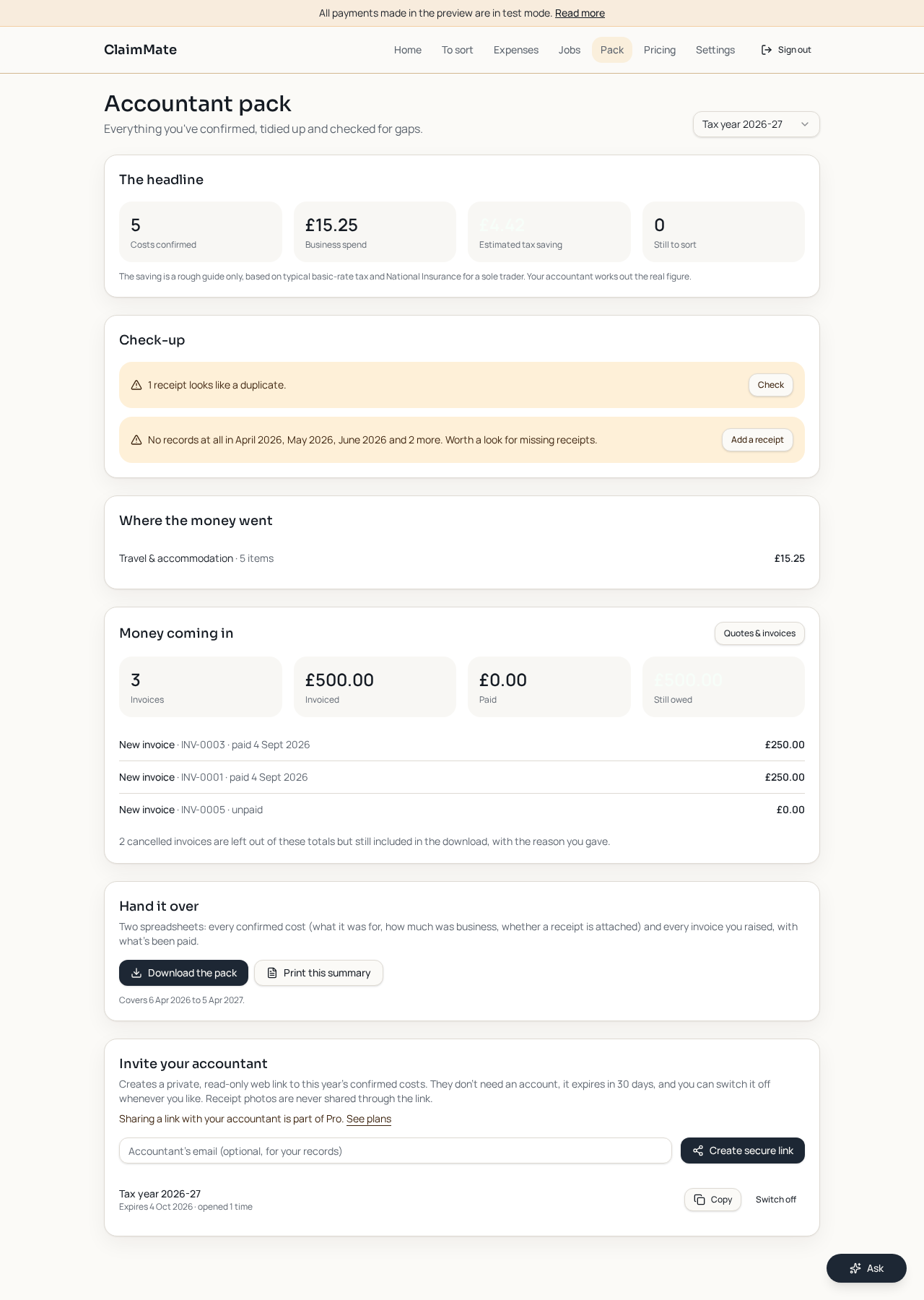
Check and hand over the records
Review missing or duplicate evidence, see costs and invoice income together, then download the pack or share a secure read-only accountant link.
Ready to make the admin clearer?
Start with the next receipt in your pocket.
A sister product
Working with homeowners?
BuildRecord helps homeowners keep their building project organised from the first quote to the final bill.